Oct 13, 2025
A Clean, Staff-Facing Workspace for Managing Mobile Orders
Layout Slate
Introducing Slate
Home > Layout Hardware > Slate
Who is this article for?
This guide is for businesses using Layout Mobile who want a dedicated, staff-facing screen for managing and preparing mobile orders. Slate is made for baristas, kitchen staff, counter teams, and managers who need a clean, reliable device that runs the Layout Orders Panel without the complexity of a POS.
What is Slate?
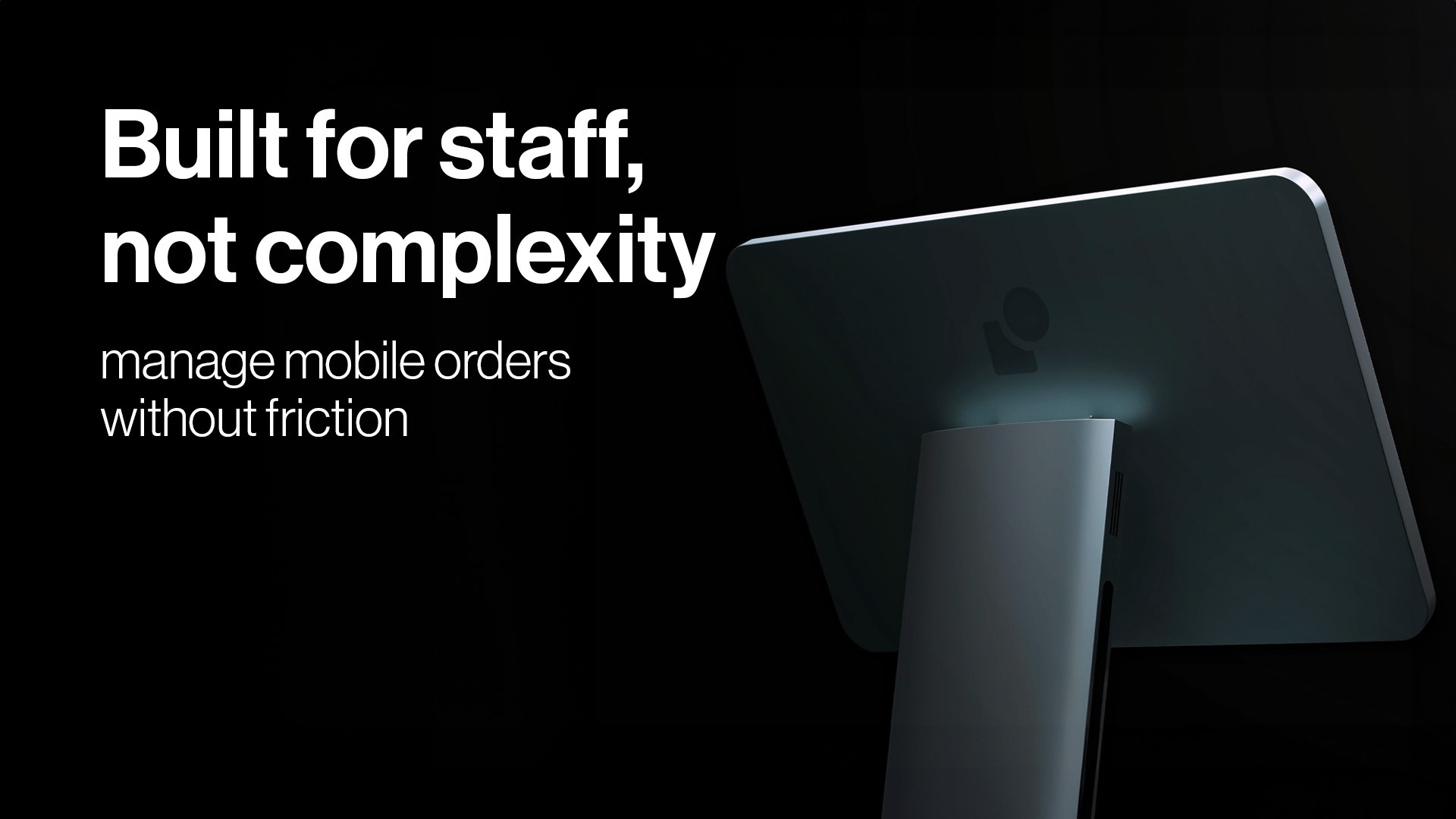
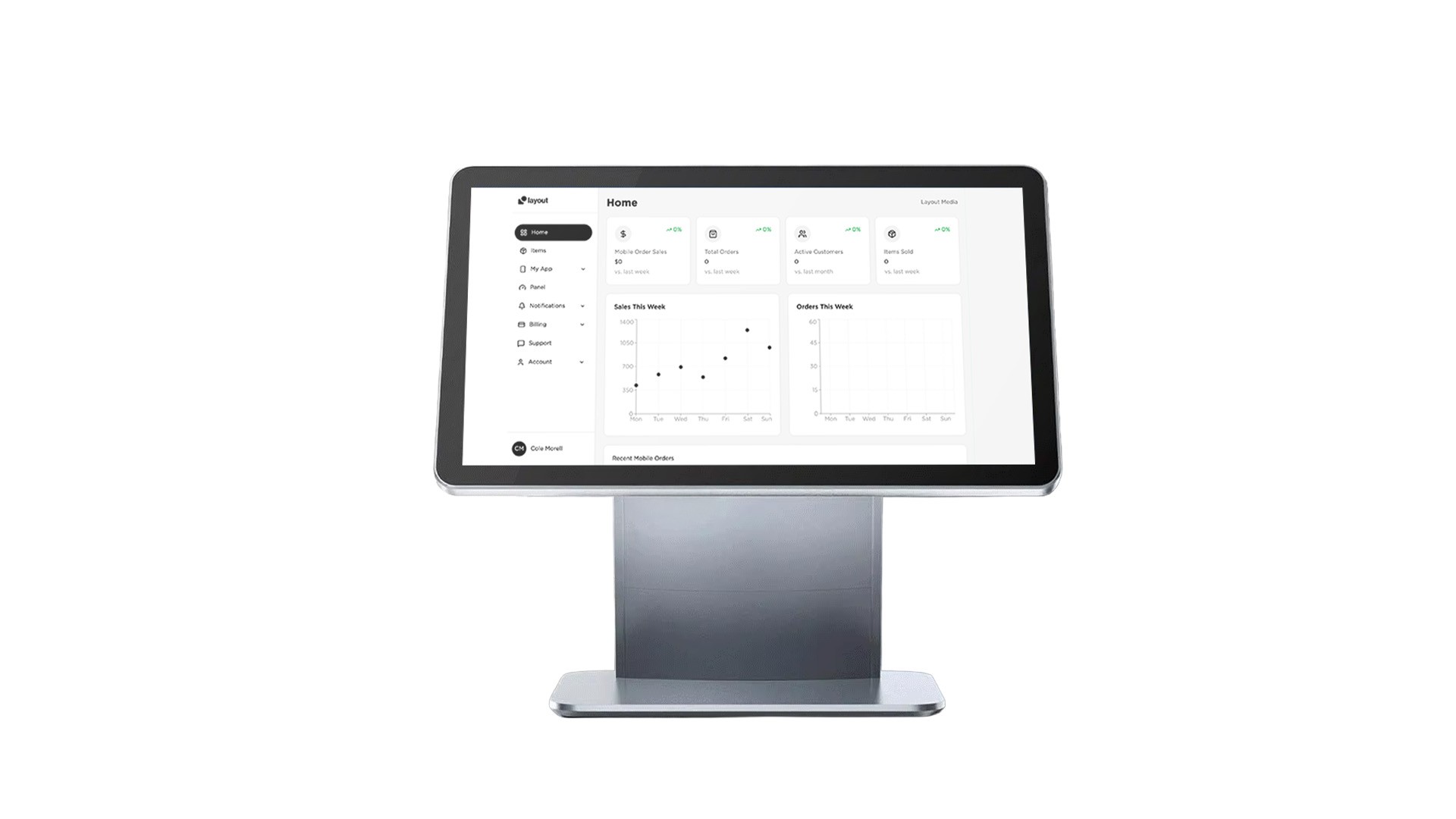
Slate is a 15.6-inch aluminum alloy device built specifically for the Layout Kitchen Display (Layout KDS). It is not a POS, not a checkout system, and not a generic tablet. Slate is a purpose-built operations screen designed to keep your order flow organized, predictable, and fast. It comes with built-in Wi-Fi, a bright full HD display, and a modern metal frame that fits into any shop aesthetic. Slate arrives ready out of the box—just power it on, connect to Wi-Fi, and sign in.
Slate is built to:
Run the Layout KDS natively – No apps to download, no configuration required
Display incoming orders clearly – Clean columns, readable cards, and real-time updates
Keep staff organized – Automatic order splitting by category or station
Work in any environment – Coffee shops, bakeries, kitchens, retail pickup, and more
Stay reliable – Hardware designed for all-day uptime and fast performance
Before you begin
Your Layout Mobile account
You will need an active Layout Mobile subscription connected to Square. Slate signs into your Layout account and loads your KDS instantly.
Included hardware
Slate 15.6-inch aluminum alloy device
Built-in Wi-Fi module
Power supply and stand
Your login details
Slate requires your Layout Mobile email and password. Team members added through the Dashboard can sign in based on their assigned permissions.
How Slate works
Runs the Layout Kitchen Display System
Slate is dedicated to one job: running your Layout KDS. The interface loads instantly and stays focused on the workflow your staff uses every day. No extra screens, apps, or distractions.
Customizable order layout
Because Slate reads your categories from our database, each business can choose which categories appear on the device. Slate supports multiple columns—hot drinks, cold drinks, sandwiches, pastries, kitchen items, or any custom setup. Everything is fully configurable in your Layout Dashboard.
Automatic item splitting
If an order contains items that belong to different categories, Slate splits the order visually so each station sees only the items they are responsible for. The order number and customer name remain visible on all split cards for clarity.
Real-time syncing
Slate syncs instantly with Layout. The moment a customer orders, the ticket appears. Staff can accept, start, mark ready, and complete orders with simple taps. Visual timers help teams stay ahead during rush hours.
After setting up Slate
Step 1: Power it on
Slate boots directly into the Layout sign-in screen. No setup wizard, no updates to install.
Step 2: Connect to Wi-Fi
Use the on-screen prompt to connect Slate to your shop’s network. Slate includes built-in Wi-Fi for stable performance.
Step 3: Sign into Layout
Enter your email
Enter your password
Tap Sign In
Step 4: Load your Kitchen Display System
Slate automatically loads your custom categories, columns, and order layout from your Dashboard settings.

Features and benefits
Staff-facing only – Designed for behind-the-counter order operations
15.6-inch full HD display – Large, readable, and clean across the counter
Aluminum alloy body – Durable, modern, and premium
Built-in Wi-Fi – No external dongles or hardware needed
Runs Layout KDS out of the box – Zero configuration
Custom columns – Staff can view orders by category or workflow
Real-time syncing – Orders appear instantly as customers place them
Auto order splitting – Keeps stations organized at all times
Reliable for long shifts – Built for constant use in busy shops
Pricing & Availability
Monthly cost
Slate is priced at $30 per month per device.
Launch date
Slate will be available starting May 2026. Pre-order information will be released on layoutmobile.com/slate.
How to sign in on Slate
Step 1: Turn on Slate
The device goes straight into Layout mode.
Step 2: Enter your login information
Email address
Password
Tap Sign In
Step 3: Two-step verification (if enabled)
If you use 2FA, enter your 6-digit code.
Step 4: Start accepting orders
Your KDS loads, and Slate is ready immediately.
Troubleshooting Slate
Orders not showing
Confirm Wi-Fi is connected and Slate is signed in. Check your Dashboard to make sure categories are selected for the device.
Wrong categories appearing
Update category selections in your Layout Dashboard, then refresh Slate.
Slow performance
Restart Slate or confirm Wi-Fi stability. Slate depends on real-time syncing.
Still having issues?
Email support@layoutmobile.com
Security best practices
Keep Slate in staff-only areas
Use strong passwords for admin accounts
Review activity in your Layout Dashboard
Managing team access
Adding staff
Open Settings > Team Members in your Dashboard
Click Add Team Member
Choose their permissions
Send the invite
Permission types
Full access
Order operations only
View only
What Slate displays
New Slate devices
You will be guided to connect Wi-Fi and log in.
Active devices
You will see real-time orders, columns, timers, and split item cards.
Multiple Slate units
Orders sync across all devices assigned to the same location.
Device storage and cookies
Slate uses secure local storage to keep you signed in and deliver fast, consistent performance.
About Slate
Slate is Layout’s dedicated 15.6-inch aluminum alloy order operations device. It runs the Layout KDS directly, giving staff a clean, focused way to manage mobile orders with real-time syncing, custom columns, and an interface built for speed and clarity. Slate is built for modern shops that want a simple, reliable, ready-out-of-the-box solution for staff workflow.