Mar 10, 2026
App Asset Guidelines for Your Layout Mobile App
A quick guide to the app assets needed for a Layout mobile app submission, including logo formats, icon requirements, and best practices for splash and welcome screen images.
Getting your app assets right is a big part of making sure your submission looks polished and gets approved without delays. A lot of issues come from using the wrong file type, wrong colors, or images that do not fit the space they are meant for. This guide breaks down exactly what you should upload for each asset in Layout and what makes a strong submission.
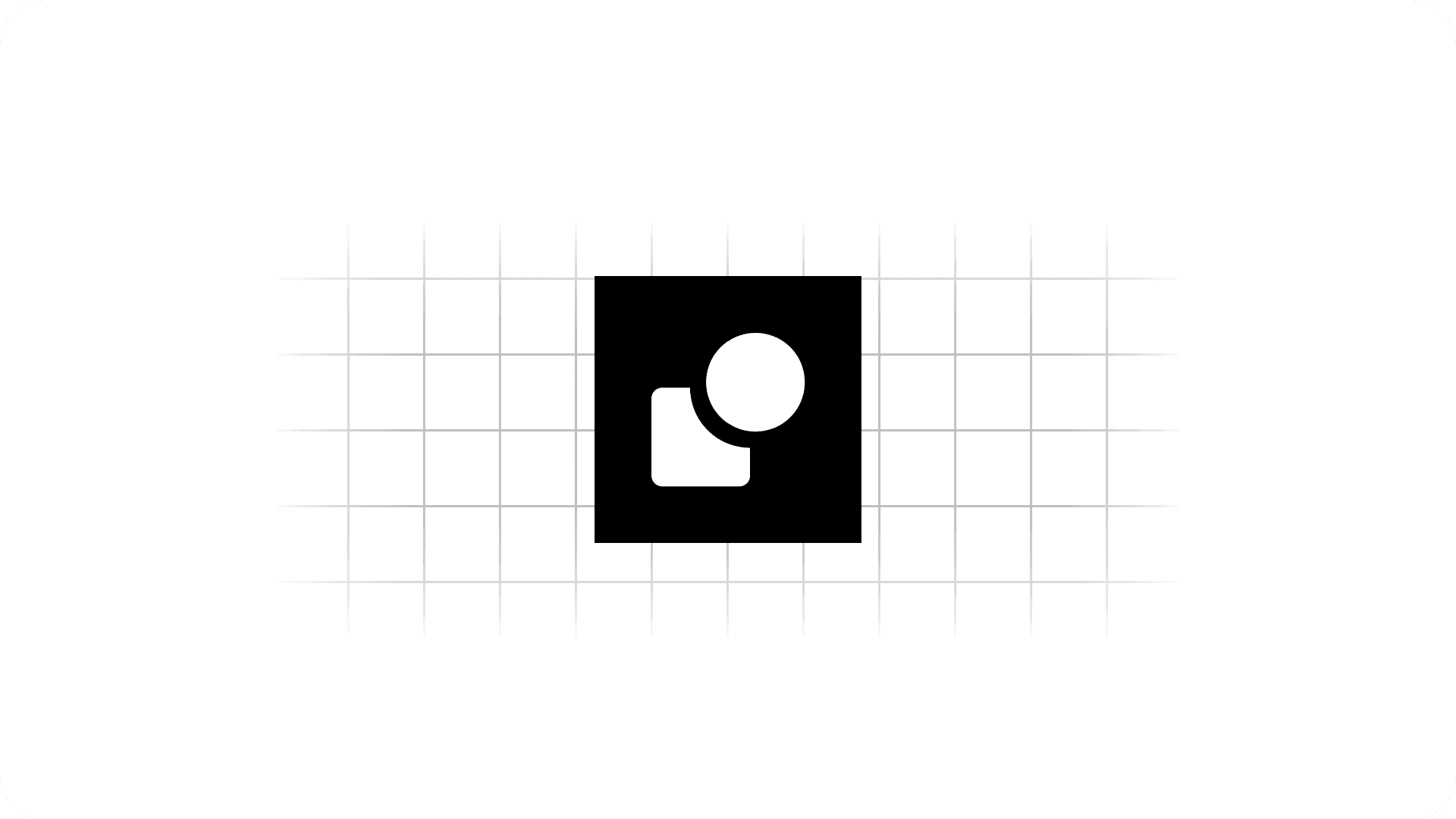
App Icon
Your app icon should be 1024 by 1024 pixels and uploaded as a PNG or JPG. This is the main icon people will see on their phone, so it should be clean, simple, and easy to recognize at a small size.
The best app icons usually use a simple version of your logo on a solid background. Avoid using too much text or overly detailed artwork because small details can get lost once the icon is displayed on a home screen.
What works best:
• Simple icon-based logo
• Solid background
• Clean contrast
• No small text
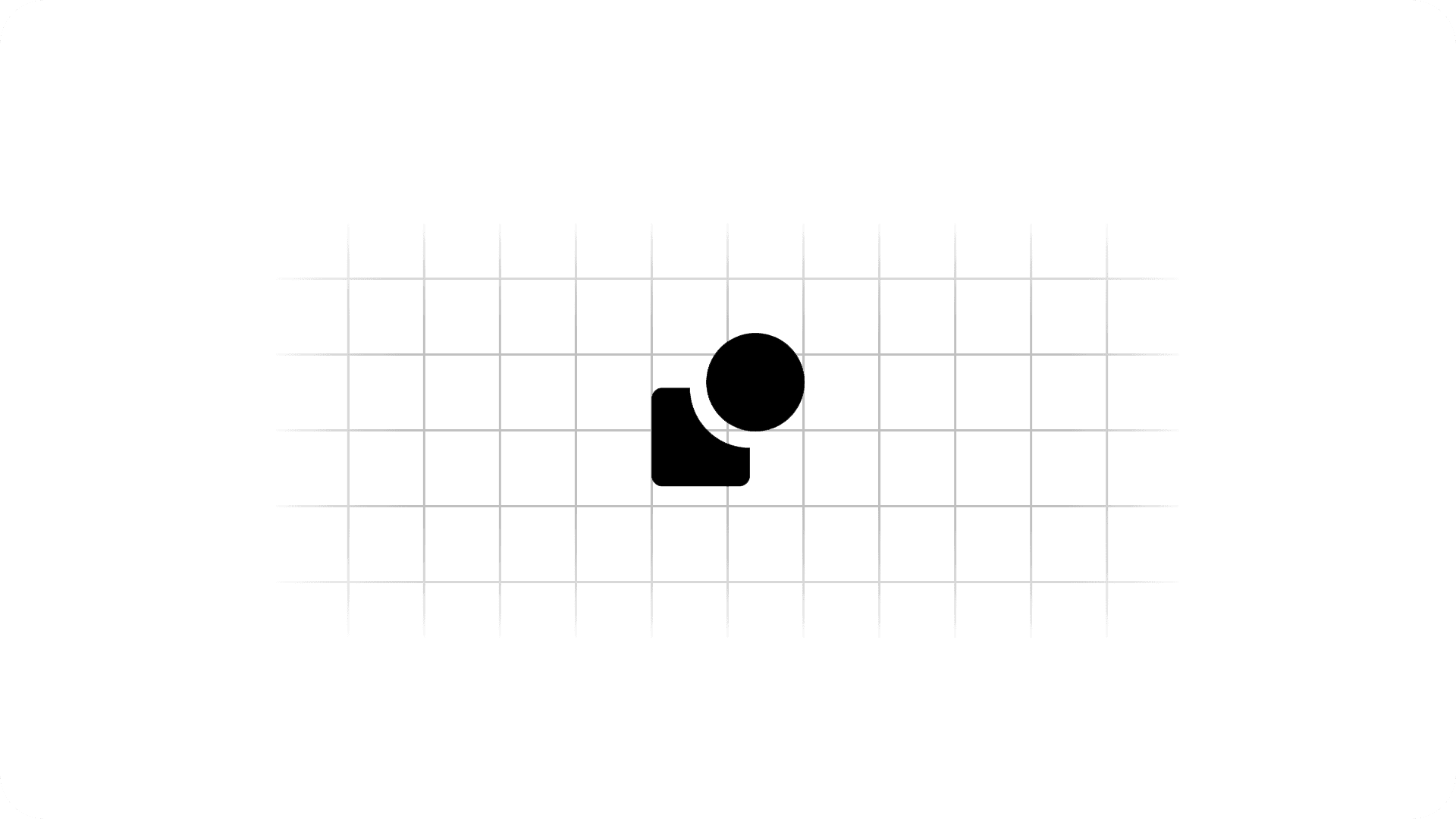
Transparent Icon
This should be a transparent background version of your icon logo. It needs to be a darker version, not a light one.
This is important because this asset is often shown on white or very light backgrounds. If you upload a white or light-colored icon here, it may become hard to see, and your app submission can be declined.
Best practice:
• Transparent background
• Dark logo only
• No white or light versions
• Keep it simple and readable
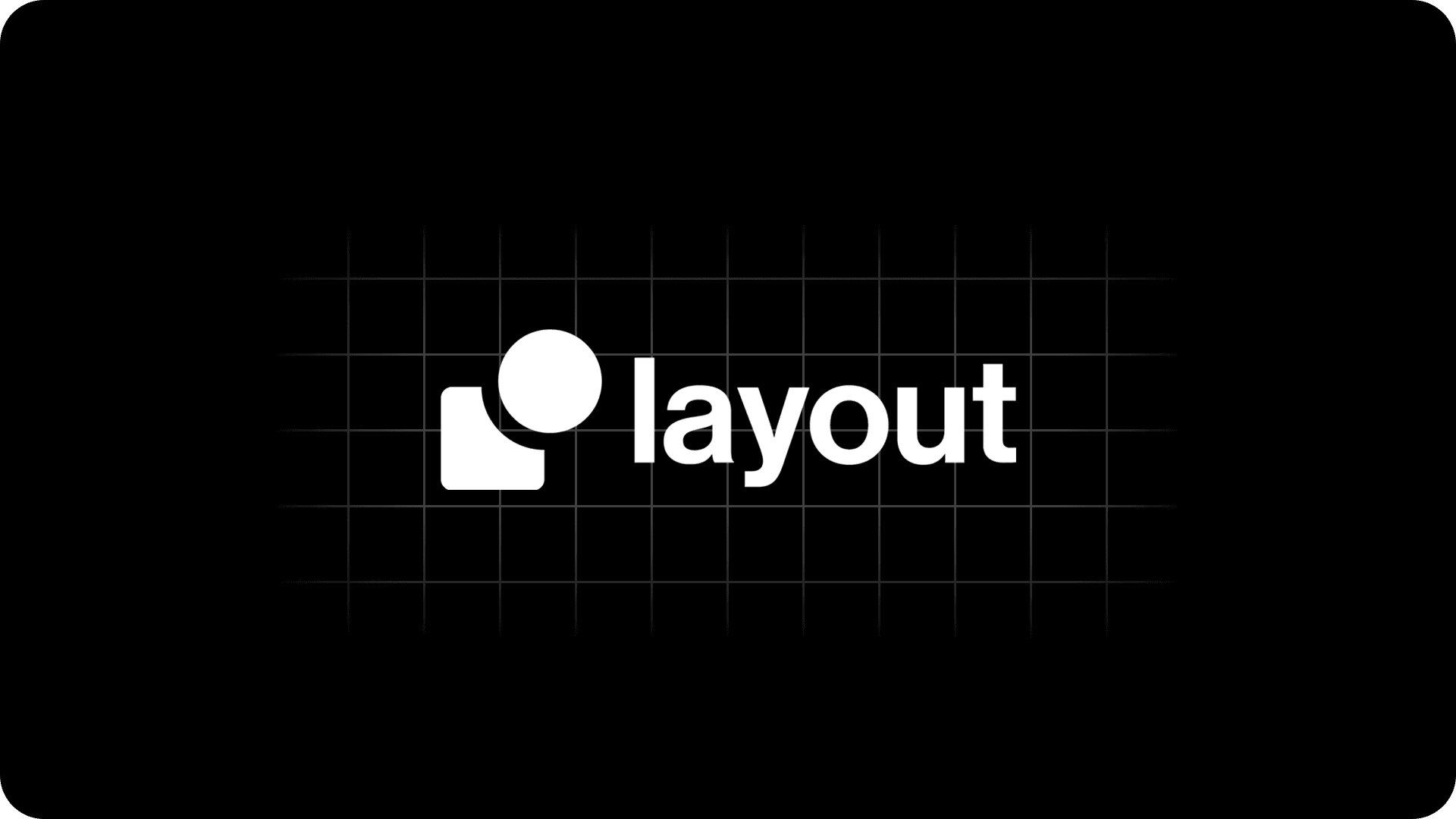
Horizontal White Logo
This should be your horizontal logo in all white. In most cases, this includes both your icon and your brand name text, similar to your normal logo layout but fully white.
A lot of brands use their icon on the left and their company name to the right. That format usually works really well here.
What to upload:
• All white horizontal logo
• Ideally includes text
• Clean spacing
• Transparent background if possible
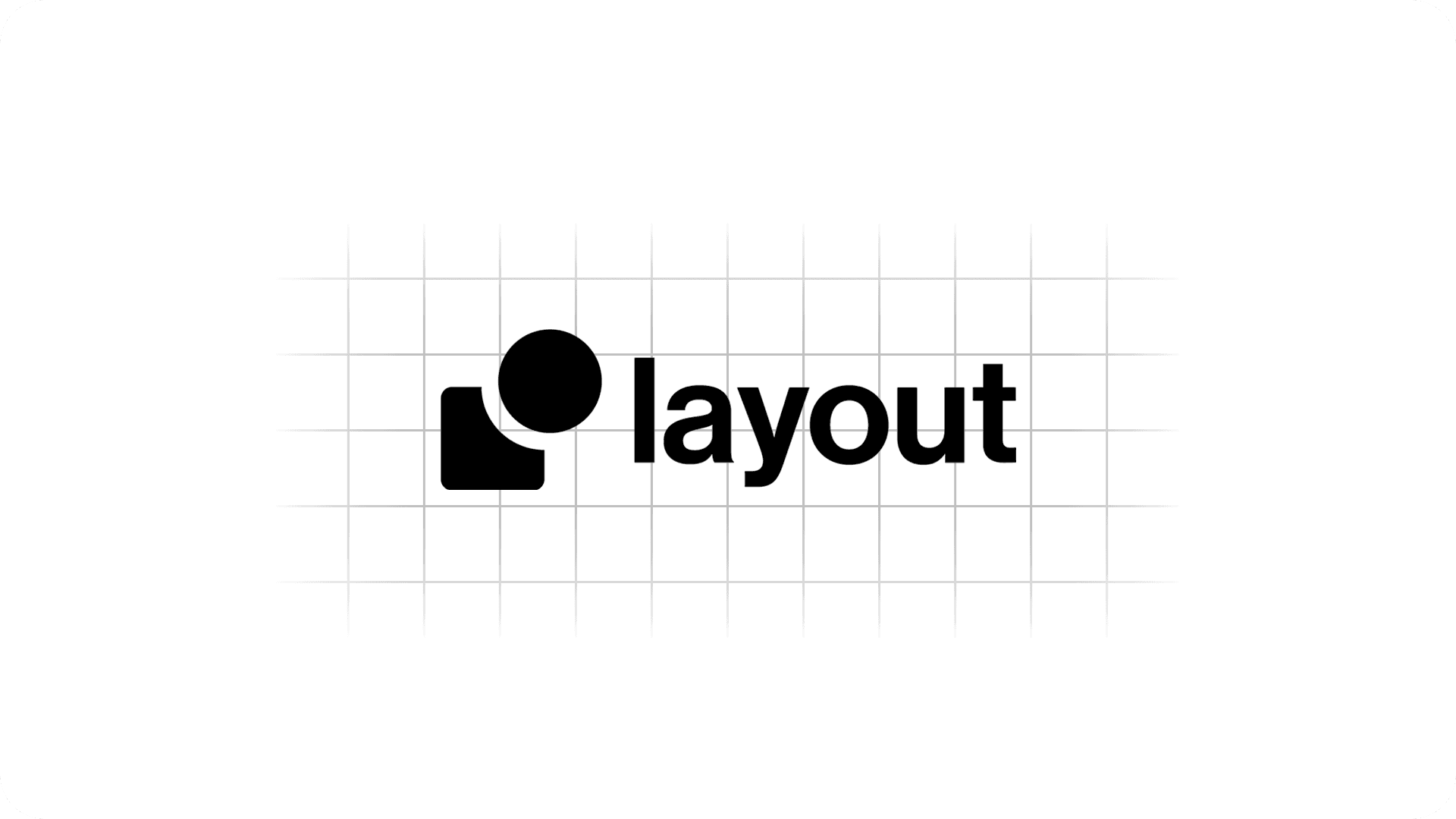
Horizontal Black Logo
This is the same idea as the white horizontal logo, but in all black instead.
This asset is used in places where a darker version fits better, so it should match your white version in layout and branding, just with black instead of white.
What to upload:
• All black horizontal logo
• Same layout as your white version
• Ideally includes text
• Clean and readable
Splash Screen
Your splash screen should feel more visual and branded. This is a good place for rich media, high-quality photography, or strong brand imagery. A great splash screen helps the app feel more custom and premium right away.
Good examples include:
• A high-quality photo of your storefront
• Coffee being poured
• Coffee beans or branded product shots
• A clean lifestyle image that fits your brand
Try to use little to no text on the image. Layout overlays text on top of this screen, so too much built-in text can make it feel crowded or hard to read.
Best practice:
• High-quality image
• Vibrant and brand aligned
• Little to no text
• Avoid clutter
Welcome Screen
The welcome screen appears when users are creating an account or logging in. In most cases, you can use the same image as your splash screen.
The same general rules apply here:
• Use a high-quality branded image
• Keep text minimal
• Make it visually clean
One thing to note is that this image will be slightly dimmed in the app, so make sure the original image still looks strong when darkened a bit.
Final Tips
The strongest app submissions usually keep branding simple, consistent, and high quality. Your logos should be clean and readable, and your full-screen images should feel polished and professional. If you are unsure, it is almost always better to go with something more minimal and brand focused rather than overly busy.
A good set of assets helps your app look better, makes setup easier, and lowers the chances of delays during submission.